RFID Fresh Inventory Software
RFID Fresh Produce Inventory Management Solution inventory pallet control: Automatically track fresh produce (apples, onion, potato, citrus) when moved from warehouse/cool room. Inexpensive solution uses low cost hardware with almost zero installation costs.
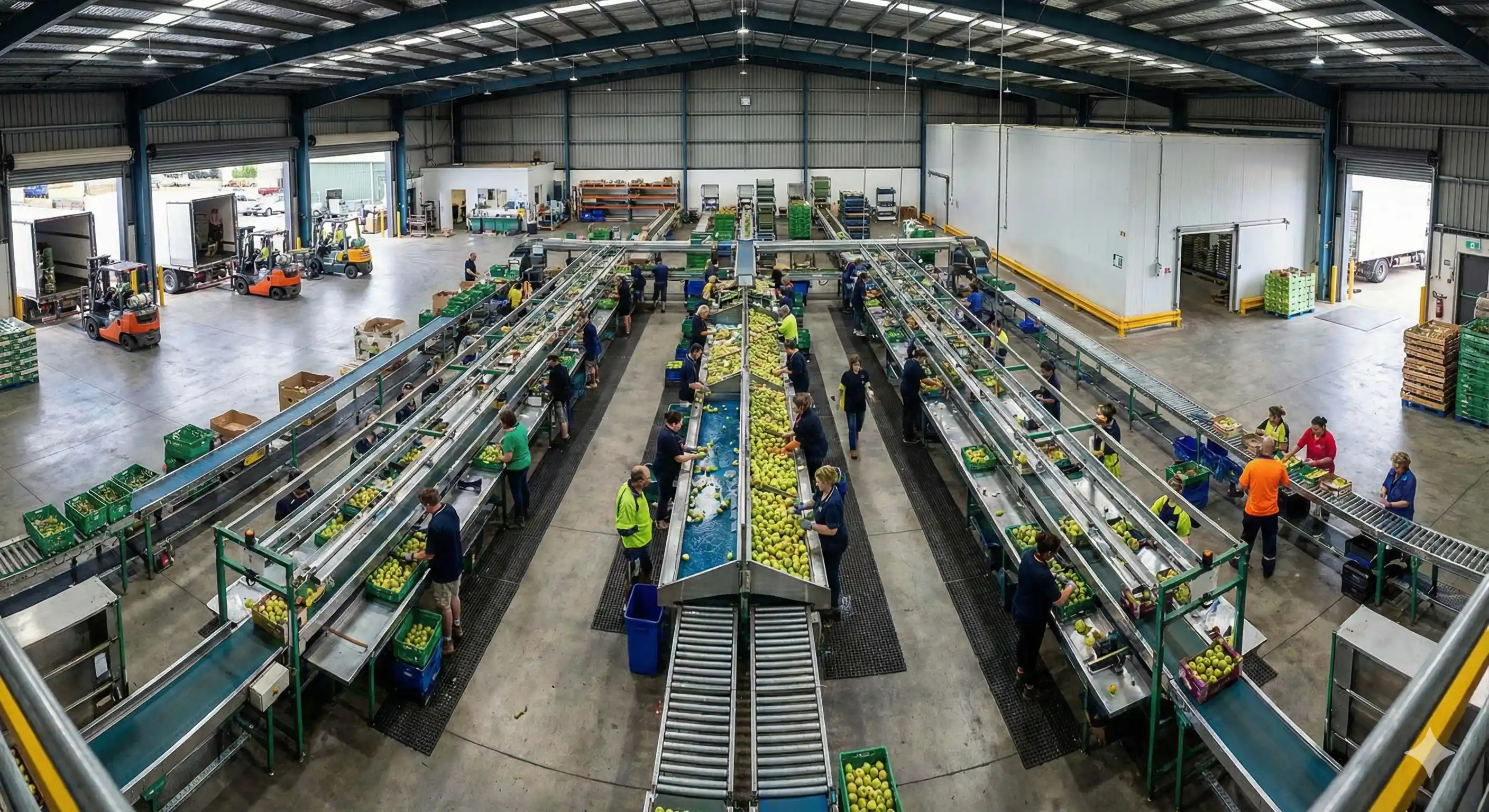
RFID Fresh Inventory Software Solution
RFID Fresh Produce Inventory Software
ZERO FRESH PROUCE WASTE
Stock rotation and expiry can be eliminated through automatic alerts, automatic FIFO enforcement, staff are guided to the exact location of fresh produce that must be processed or sold first.
ZERO EFFORT AUTOMATIC FRESH PRODUCE TRACKING
Simply pick up a pallet / bin / bag and move it. RFID by Producepak automatically tracks fresh produce inventory movement, updates its location, and flashes an alert on your tablet. Select an order, load pallets onto truck..… RFID by Producepak automatically adds the pallets to the order / invoice. Tip a bin into a batch or add pallet to a batch, its auto added to the batch. If you have your own trucks, you can RFID tag them; when you load an order Producepak RFID will know which truck you have loaded.
World’s most cost effective solution for fresh produce RFID.
Hardware costs as little as $500 per forklift.
ZERO ERRORS IN FRESH PRODUCE INVENTORY MANAGEMENT
Ever put the wrong pallet onto a truck, only to discover the error and must unload? Ever sent the wrong pallet across the country only to have to pay for it to be returned? Never again! RFID by Producepak will alert you the second you pick up a pallet that doesn’t match current order. Make fresh produce load outs faster, and 100% accurate.
Simply move inventory around with a forklift, Producepak does the rest and automatically updates the inventory location
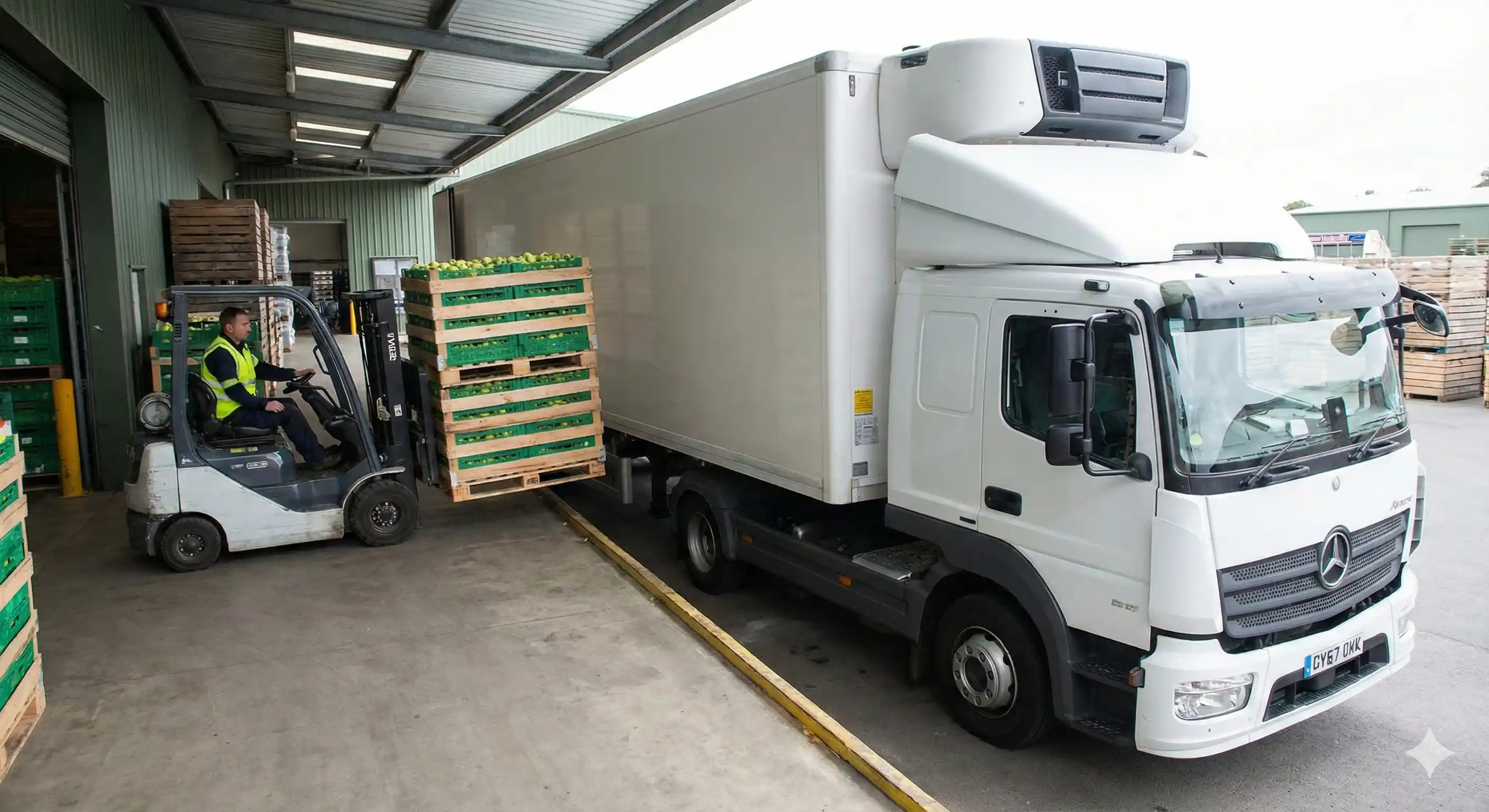
RFID fresh produce packhouse hygiene checklist for food safety
RFID FRESH INVENTORY SOFTWARE IMPLEMENTATION IS FAST
The ability to track and trace complete information at item level in an efficient and trustworthy manner is becoming more and more important for companies, mainly due to the increased consumer concern over the safety and the quality of the purchased products.
APPLY THE RFID FRESH INVENTORY TAG
When you print pallet labels from Producepak, you can scan the RFID (or two, one for each forklift pickup side) so Producepak knows which pallet to assign the RFID. This process takes 2 seconds and can be done using a tablet or PC and an RFID reader or an Android RFID unit.
Choose RFID tags that with a unique serial number encoded into them; there is no need for you to write to the RFID. RFID stickers start from 20 cents per sticker or use re-usable tags (remove during load out process).
Purchase your hardware from your chosen vendor (eg: Amazon.com) and install yourself. Purchase some plastic encased RFID to embed into the floor to identify each pallet position.
We have a simple step by step testing document so you can trial your RFID hardware on one forklift before you purchase equipment for your entire fleet.
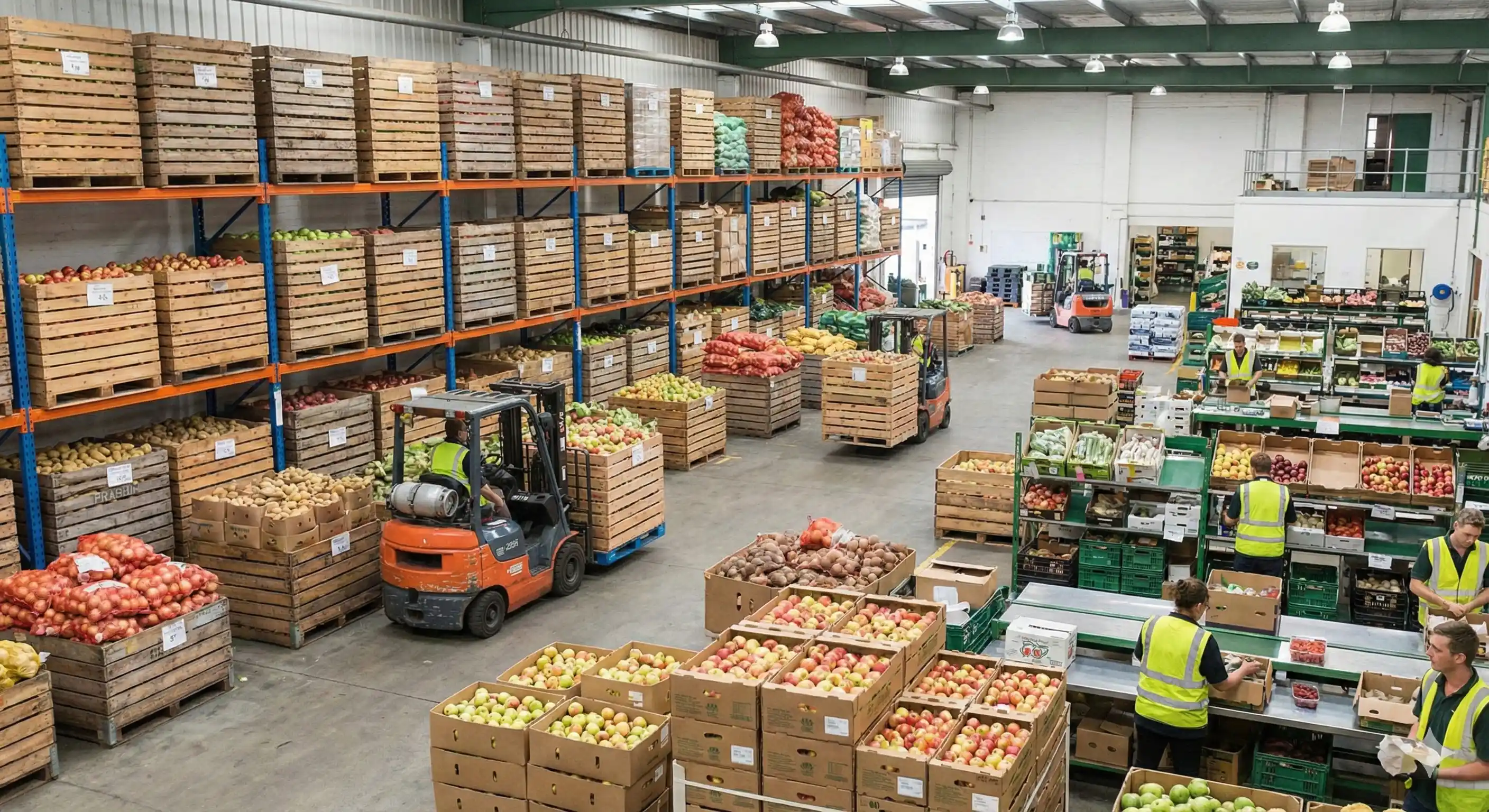
RFID Fresh Produce Inventory Management Solution
Can I test before committing to Producepak RFID for fresh produce pallet control?
Yes! The test below should cost no more than $130. Before you purchase bulk RFID hardware; you should buy a few testing items such as one RFID reader/scanner and three or four different types of RFID tags (make sure the tag matches the scanner, and has pre-programmed serial number) and the USB hub.
STEPS TO TEST YOUR RFID FRESH INVENTORY SOFTWARE SOLUTION
1. Plug the scanner into the hub, and the hub into any Android tablet. Open up a text document or blank email on the tablet (we just need a space where text can be dumped by the RFID reader).
2. Simulation test: On a forklift position the reader where you intend on installing it, and move the RFID tag into the position it will be on the pallet or floor and note the distances at which the reading occurs (in the blank document on the Android tablet, you will see a string of text added every time the RFID scanner reads the tag). If the RFID tags scan at reasonable distances based on where you intend to fix the reader, then this part of the test has succeeded. Otherwise reposition RFID scanner or tags until you get good results. See “How should I label my pallet positions?” for additional testing. You should test with your four different RFID tags to see if selected tags scan at different distances (this is common).
3. The Pallet Position Reader (1) should preferably not read when the fork is lifted for pallet transportation.
4. Test that your Wifi works in all coolers and warehouses (Producepak fresh produce RFID requires an always on data connection). If you have dead spots, install boosters or Wifi access points with better antennae (note that 5Gen Wifi is pretty much useless in commercial environments because of its very short range and weak signal).
If you can pass the tests above you are ready to buy your RFID hardware for your entire fleet of forklifts. Didn’t pass the test? Try some different hardware / tags.
What RFID tags should I use?
We recommend 856-915Mhz RFID tags because their range is practical for most fresh produce RFID applications). You can use RFID stickers that are applied to any carton on the pallet (obviously in the correct position for scanning) and will be disposable (from 20 cents a label). Alternatively you can apply re-useable plastic reinforced RFID tags that have a greater read distance, however cost a lot more so need to be removed from the pallet when its loaded for shipping.
Can you purchase the hardware and install it for us?
Yes. Please ask us consultant for a quote. The labor and consulting will usually double the cost of your project (that’s before hardware costs are added), its much more economical to install your RFID equipment yourself.
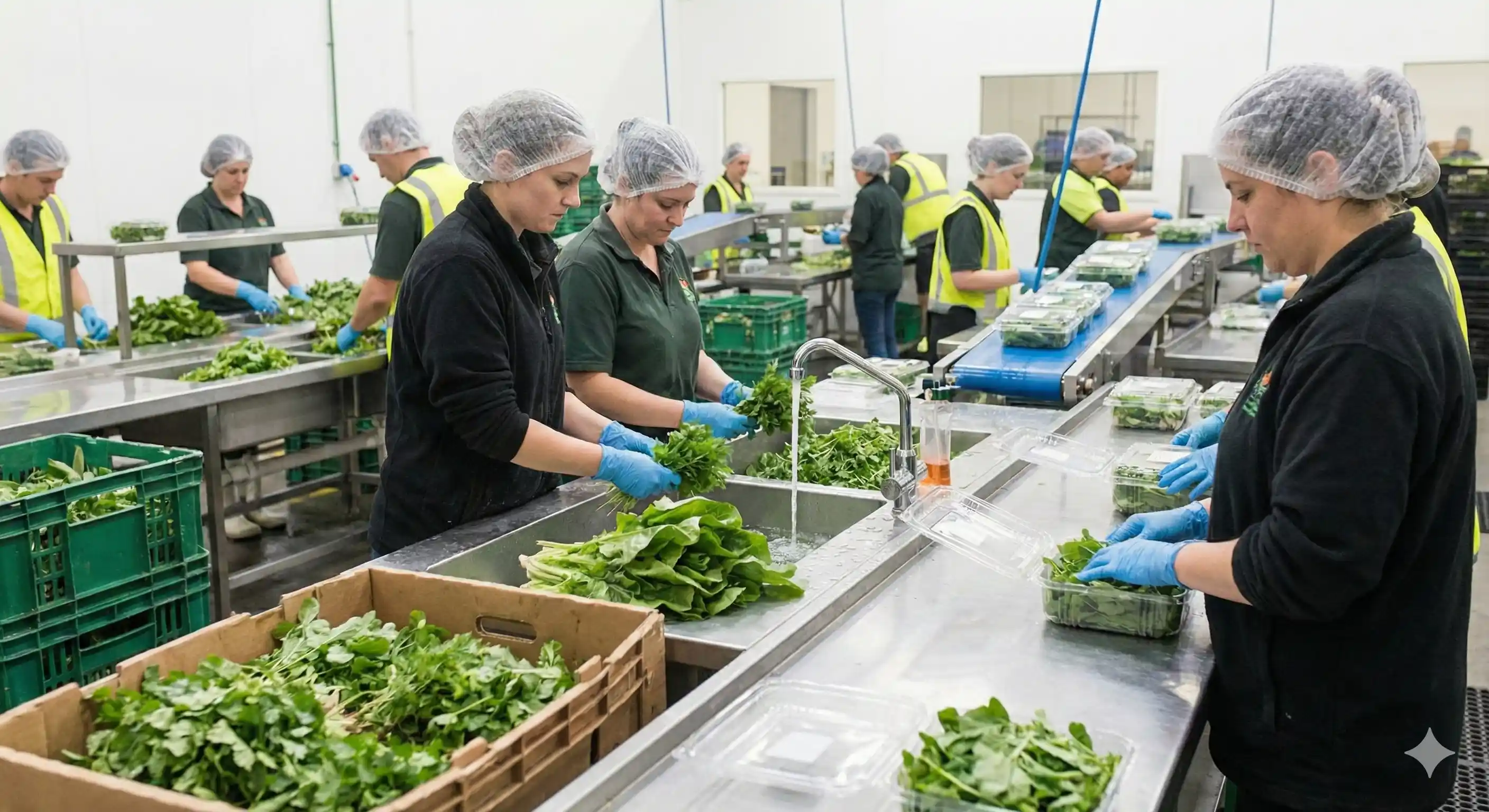
RFID Fresh Produce Inventory Management Solution
How do I mount Pallet Position reader (1)?
If possible, we suggest you mount the reader on the fork that lifts when a pallet is raised (you may need a longer USB cable depending on your forklift design). This should result in no RFID reads when you pass over a position tag and the pallet is raised for movement; when you lower the pallet a position tag will be read and the pallet will be automatically deselected (if no Order is currently selected).
If you can’t mount this reader on the bottom of the fork then tags will be read every time you pass over one, in this case you can enable a setting that stops Producepak from automatically
deselecting the pallet (note you will have to tap the screen to tell Producepak when you are deselecting a pallet in this case. Mount the reader in position indicated about 4” from the ground for optimal RFID reads.
How do I mount Pallet RFID tag reader (2)?
This reader doesn’t need to move with the fork (it can however if you
want), and should be mounted at the height you will apply the RFID tag
on the pallet (as close to as possible, and not obstructed by metal. Staff that build pallets should be instructed to apply the tag at a consistent height and position to ensure every pallet RFID tag will be read easily. If your RFID tag is not integrated into your pallet label then you can
continue to apply your pallet label in your chosen position for easy readability. There is no height at which the RFID tag must be placed; choose a height that is practical for your combination of forklift and reader to maximize pallet tag accuracy and RFID scan distance.
Can I use pallets with built in RFID tags?
Yes. In this case you will mount the pallet RFID reader on the fork near the position RFID reader. The process for assigning the pallet to the RFID is the same, obviously they need to scan the pallet to get the RFID serial.
How do I associate RFID tags with a pallet?
Simply scan the RFID after you add a new pallet in Producepak (you will need to plug a reader into your PC [if using Android you will need a powered data hub and an external keyboard because plugging in an RFID reader will disable the software keyboard in Android OS), for this purpose the reader can simply be on a bench next to or near the PC (since users are likely printing labels during this same process), or use an Android device that has a built in RFID reader.