Fresh produce distribution software: a 4-step implementation guide
Distribution software pays back through fewer errors, less waste and less admin. Implement it in this order.
Key points
- Digitise stock first: stocktake, suppliers, GS1 labels.
- Replace paper QC with templates, tablets and alerts.
- Scan-verified picking stops shipping errors.
- Automatic BOL, dispatch notes and invoices cut office work by up to 90 %.
Step 1: Inventory and intake
- Initial stocktake: record current stock with variety, origin and arrival date.
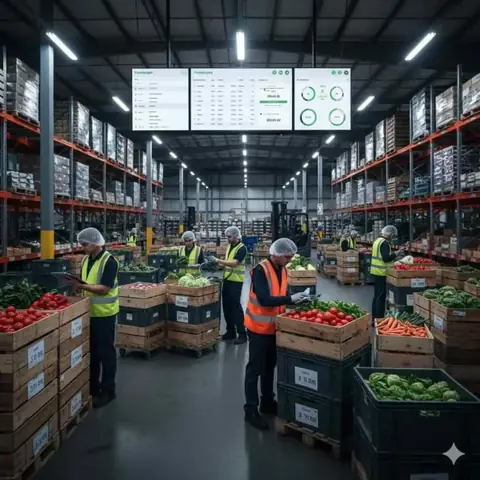
- Suppliers: load regular suppliers; scan deliveries as they arrive.
- Labels: print GS1-compliant pallet or bin labels so every item is visible to FIFO.
Step 2: Digital quality control
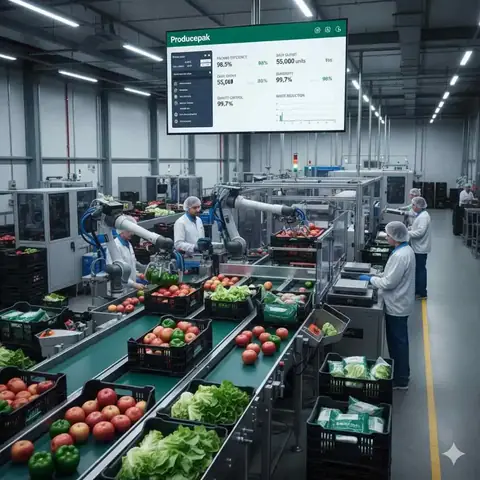
- Configure templates per product: size, colour, firmness, defects.
- Inspect at receival on tablets or phones.
- Alert stakeholders immediately when a delivery fails, for corrective action or supplier claims.
Step 3: Sales and order management
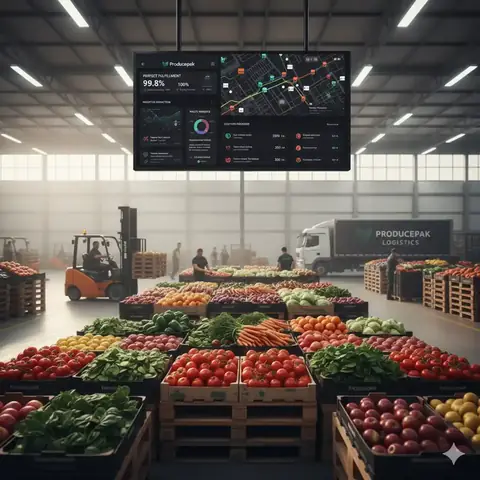
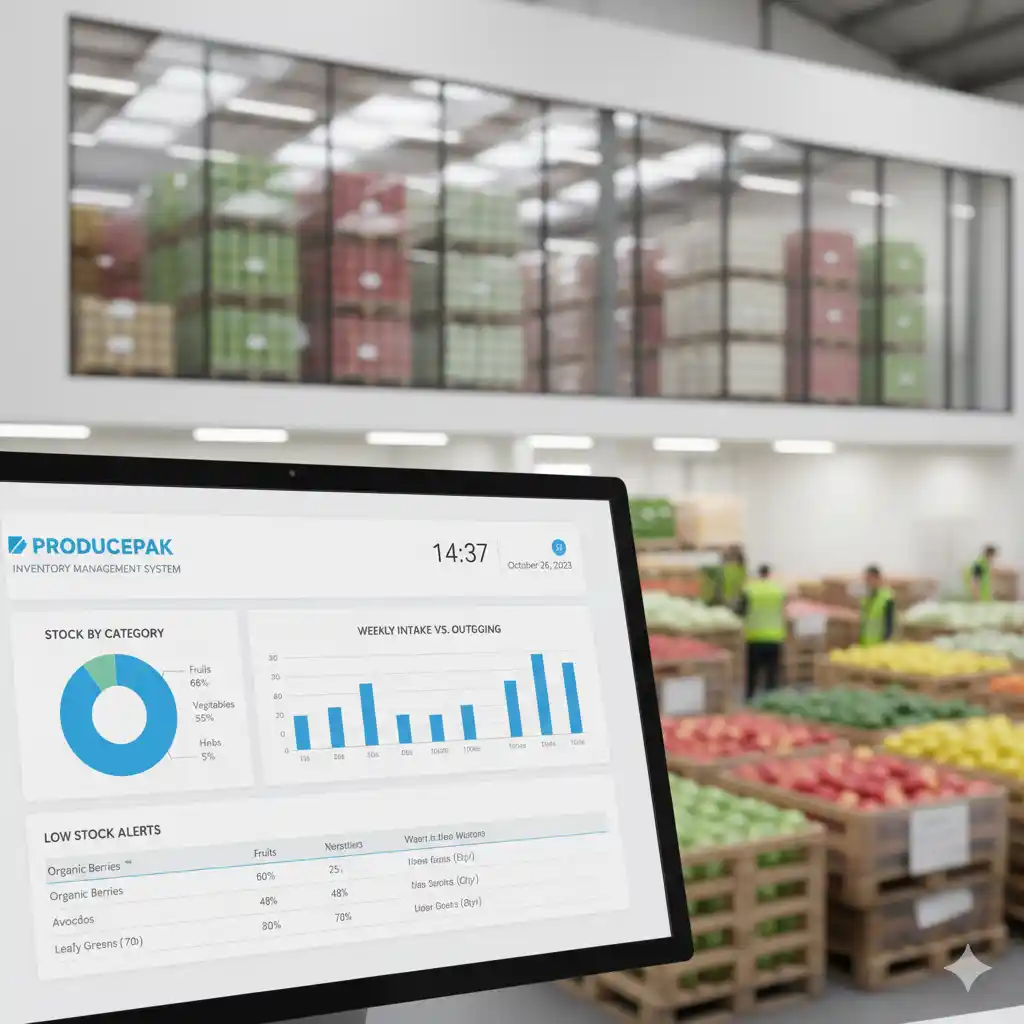
- A logistics dashboard shows order, packing and shipping progress live.
- EDI automates order import and invoice export with large retailers.
- Scanning pallets or crates during picking ensures the right stock goes to the right customer.
Step 4: Automate administration
- Bills of lading, dispatch notes and invoices generated when the order is scanned for shipping.
- Sales and purchases synced to Xero, QuickBooks or MYOB.
- AI route planning for the whole delivery fleet.
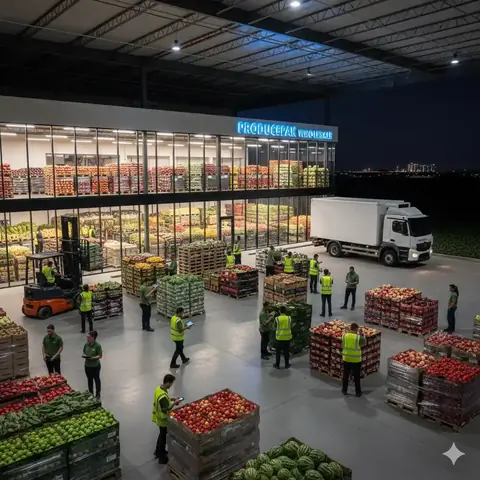
See the Producepak wholesale and distribution solution.
Frequently asked questions
How long does implementation take?
Typically one to four weeks, depending on sites, EDI partners and integrations.
Does it plan delivery routes?
Yes. Orders are grouped into runs and routes are optimised for the fleet.