Integrating packing machines with your packhouse software
Every number keyed in from a machine display is a chance for error. Pulling data straight from graders and packing machines removes that step.
Key points
- Machine data (packed units, cartons, pallets, run times) can create inventory and labels automatically.
- Grader data, such as size and grade distributions, feeds packout and grower reports.
- Integrations are built per machine API; ask whether yours is already supported.
What can be collected
Most modern packing machines and graders expose data through an API, database or file export: packed units, cartons or cases, pallets completed, batch start and end times, rejects and, for graders, size and grade distributions. Producepak connects to these sources to create pallets and inventory records without manual entry.
Why it matters
- Pallet and carton records match what the machine actually produced.
- Traceability labels print automatically with the correct product, lot and customer format.
- Batch duration and output feed line performance (OEE) reporting.
- Grader output, for example from Compac InVision systems, populates packout and grower statements.
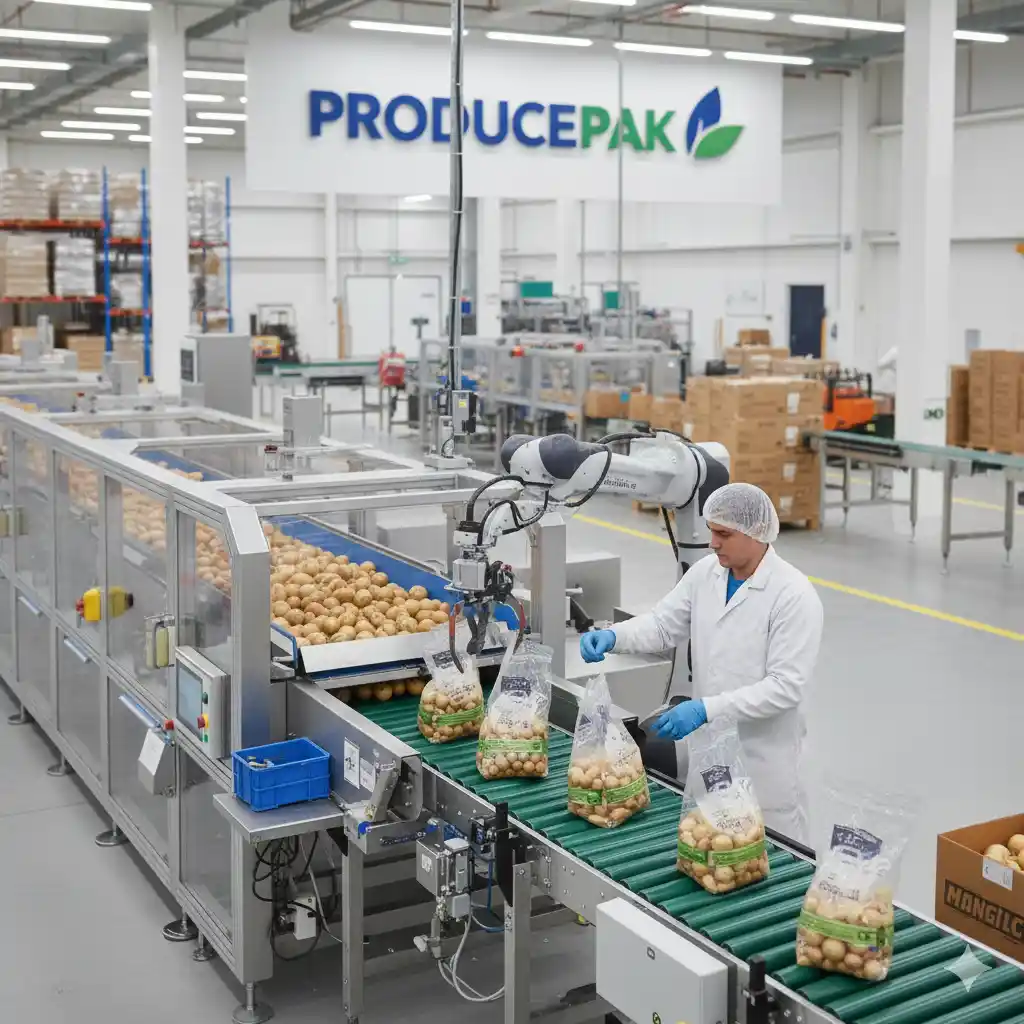
Typical machine types
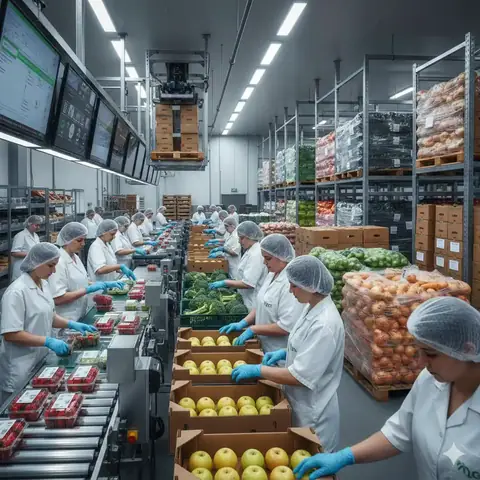
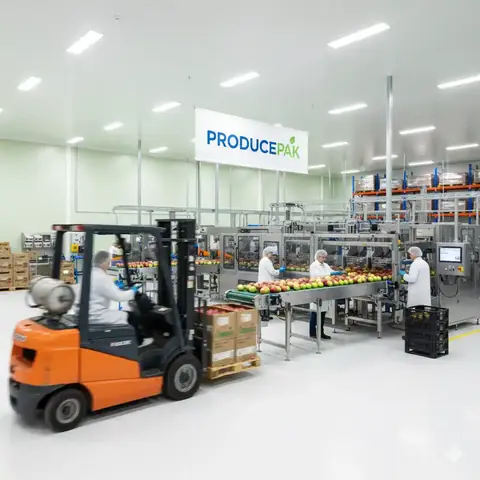
Flow-wrappers, vertical form-fill-seal baggers, clamshell and punnet fillers, weighers, carton erectors, palletisers and optical graders. Machine makers offer models from small to high-speed lines, with PLC/HMI control and stored product parameters that make format changes quicker.
How integration projects run
Integration is scoped per packhouse: which machines, which data, how often, and what should happen in Producepak when it arrives. If an integration with your machine does not exist yet, it can be added for a nominal fee.
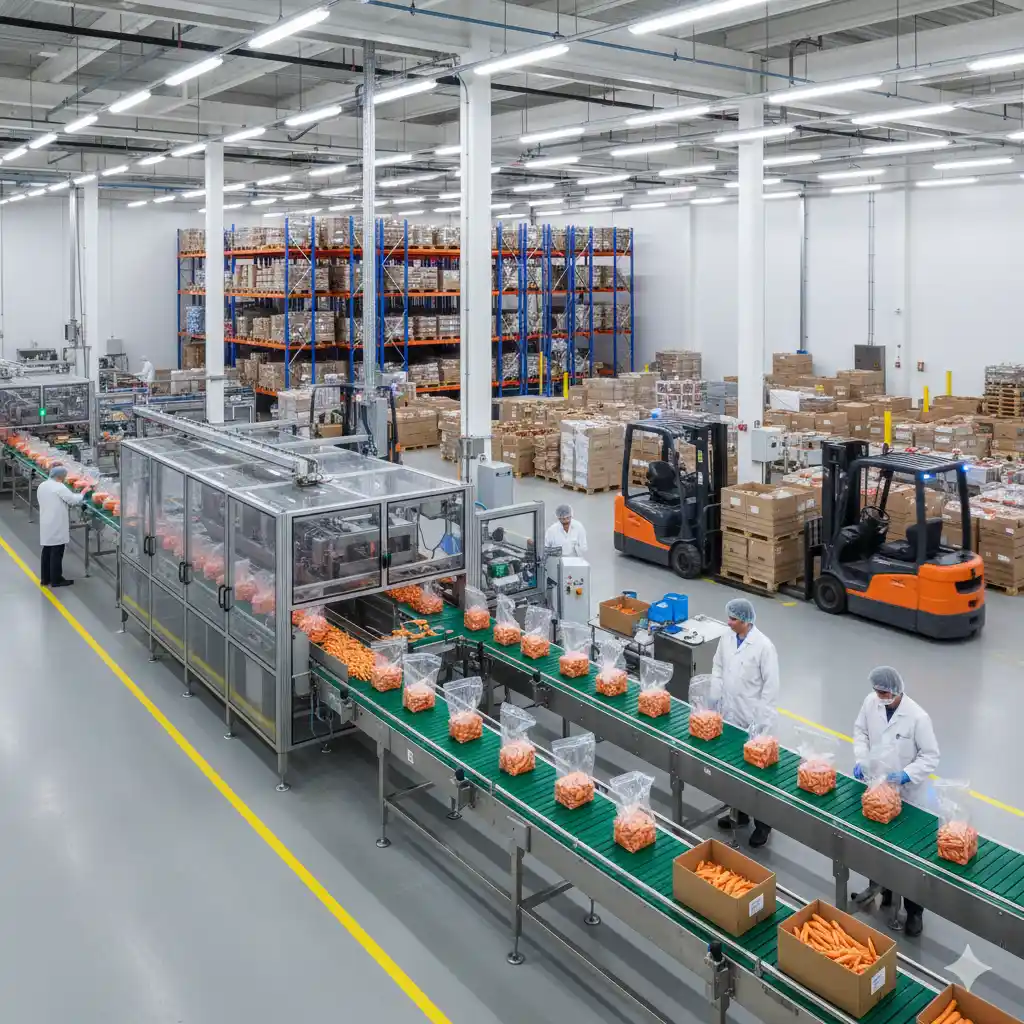
Frequently asked questions
Which packing machines are supported?
Integrations are developed per machine and packhouse. Ask during the demo whether your model is already connected; if not, it can be added.
Do we still need to scan pallets?
Machine data creates the records; scanning is still used for moves, picking and loading so stock location and dispatch stay accurate.